
Screen Time and Your Child’s Eyes: Healthy Habits for Las Vegas Families
TLDR: Here is the good news on kids screen time eye strain: the American Academy of Ophthalmology describes temporary discomfort without permanent eye damage. Start with regular breaks, blinking reminders and a comfortable homework setup. Book your eye exam when discomfort keeps returning.
Answer: Healthy screen habits give your child a practical way to manage digital eye strain during homework in Las Vegas. Build in looking-away breaks, adjust the device position and remind them to blink. Recurring headaches or blur deserve a comprehensive eye exam, even after you improve the desk setup.
Your child finishes an online assignment, rubs tired eyes and asks to stop reading. You still have dinner to make and a backpack to check. Start with the next homework session. I favor a routine your family repeats over a rule everyone forgets.
I reviewed 73 primary sources across five research lenses for this guide, and regular breaks are a central recommendation for screen comfort. As an optometrist, I want you to leave with habits worth using tonight and a clear reason to book when discomfort returns. See how I approach your eye care on my eye exams page. Complaints that keep coming back earn an exam.
What Does Screen Time Eye Strain Feel Like in Kids?
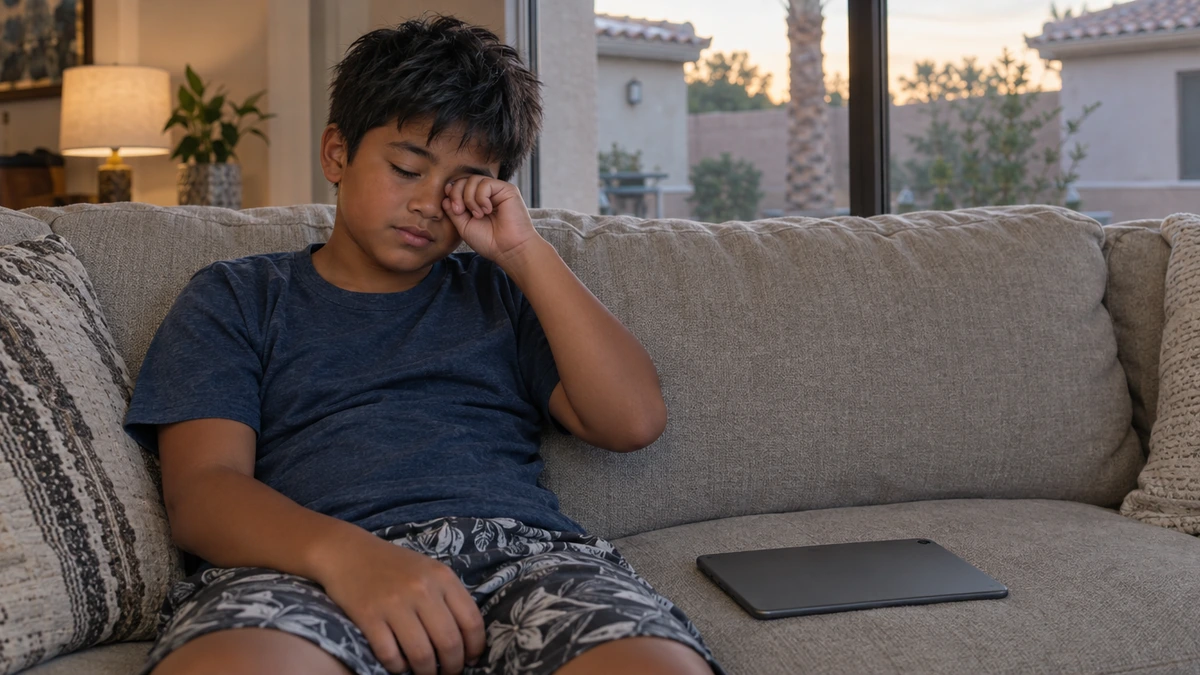
Digital eye strain is the dry, itchy, blurry, headachy feeling your child gets after a long stretch on a screen. The assignment ends, but the discomfort interrupts the evening. Pause the task and find out what hurts. Give your child room to explain before suggesting an answer.
Take the complaint seriously. Your child still has a book to read and a school bag to pack. Resist the urge to bargain for another page while their eyes feel uncomfortable. Stop, notice the circumstances and decide whether this is becoming a pattern.
A blink reminder earns its place beside your break reminder. The AAO reports that people generally blink about 15 times a minute, falling to about 5 to 7 during screen use. Those are general figures. Try a calm cue during homework: “Pause, blink, look away.”
Which Breaks Ease Kids’ Screen Time Eye Strain?

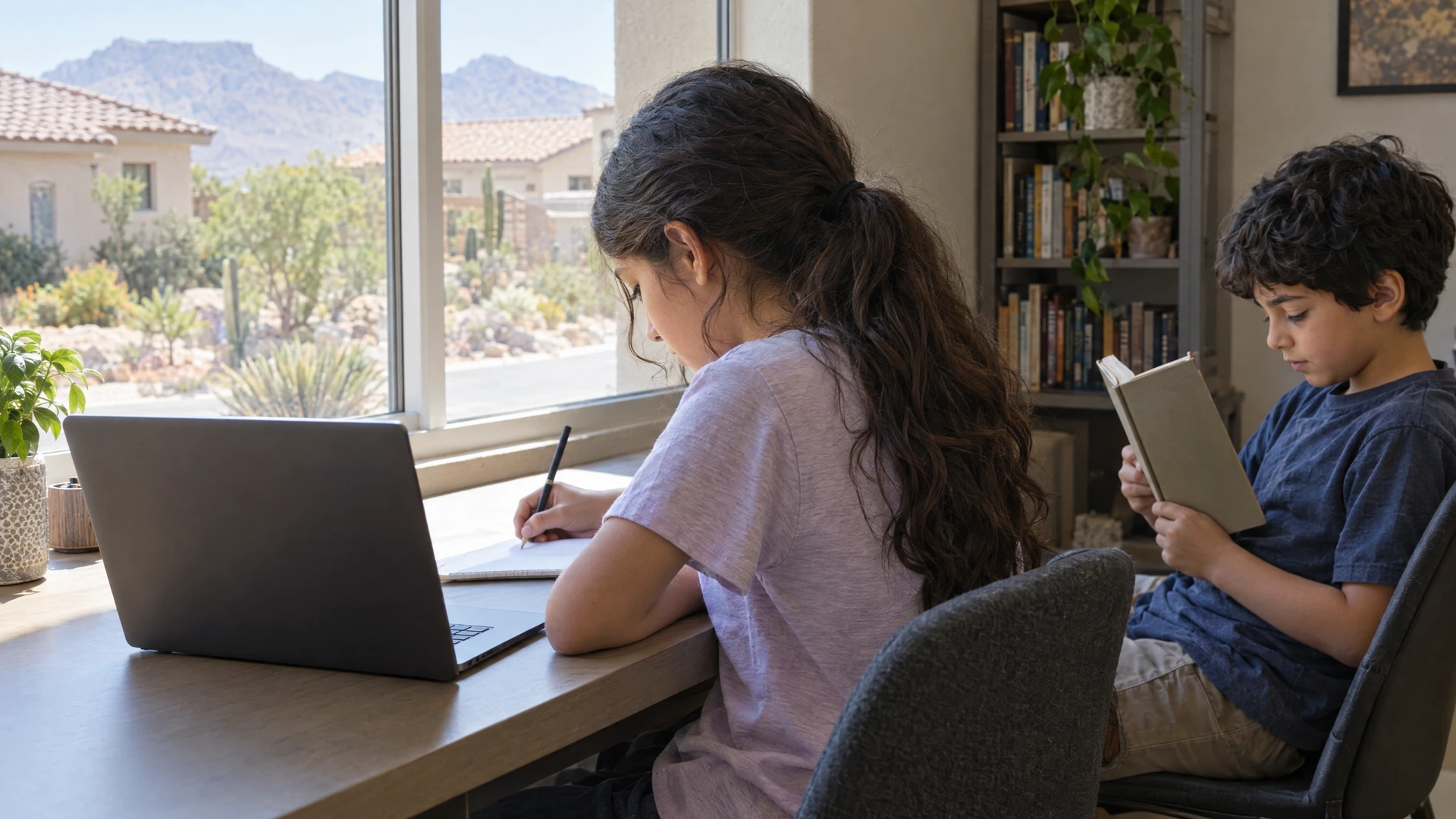
Give your child somewhere else to look. Choose a distant object before the laptop opens, such as the red rock ridgeline beyond your window. Use the 20-20-20 rule in the steps below. Set up the cue before homework gets absorbing.
- Choose the view together. Pick an object beyond the window and agree on where your child will look when the reminder sounds.
- Follow AAPOS: set a timer for every 20 minutes, then have your child look at something 20 feet away for 20 seconds.
- Pause the assignment when the reminder sounds. Look toward the chosen object together until the timed pause ends.
- Before returning, check whether your child feels comfortable. Include a blink reminder, then pick up the assignment where you stopped.
Join the pause when you are nearby. Put your own phone down and turn toward the window with your child. Looking at another device keeps the close-up task going. Make the distance break part of homework from the start.
Make the cue easy to follow. A complicated reward chart adds another task to your evening. Let the cue do the reminding. Choose a cue you are willing to use when dinner is late and the backpack is still empty.
How Should You Set Up the Homework Space?
Start with distance, then tackle glare. For your child’s desk, AAO homework guidance recommends an arm’s-length viewing distance, a slight downward angle and adjustments for glare, brightness and contrast. Sit beside your child before moving anything. The reflection you miss while standing is easier to spot from the chair.
Check the desk during actual homework. Your child should show you the position they settle into once they start reading, including the tablet creeping toward the edge of the table. Use the checks below to make a deliberate adjustment. Then let them show you whether the words feel comfortable to view.
| What You Notice | What to Adjust | What to Ask Your Child |
|---|---|---|
| The device sits close to the face | About an arm’s length, at or a little below eye level | Are the words comfortable to read here? |
| A window reflects across the display | Reposition the desk or adjust the shade | Is the reflection still across your work? |
| Your child bends over a tablet on the couch | Move the assignment to an upright seated setup | Does this position feel comfortable? |
| The display looks harsh or dim | Adjust brightness and contrast for the room | Which setting feels easier to view? |
| Discomfort returns after adjustments | Describe the recurring symptoms at an exam | What still bothers your eyes? |
Watch the light change in your Summerlin home. A window beside the homework desk offers a distant view, yet its reflection still needs checking. Look again when afternoon homework stretches into an evening under the kitchen lights. Let your child help restore the setup after someone else uses the desk.
How Do You Make Room for Longer Breaks?

Build a proper step away into your homework plan. The American Academy of Pediatrics recommends that children leave the screen for at least 10 minutes every hour, alongside brief looking-away breaks. Pick the activity before the assignment starts. The rule is simple: the screen stays behind.
July at 4 pm? Keep your child’s break indoors. A snack at the kitchen counter counts. On a cooler afternoon, a walk together or a bike ride along a Summerlin neighborhood path gives the pause a different setting.
Make returning straightforward, too. Mark the stopping point in your child’s assignment. Put the device down without filling the pause with another video. The break ends and the assignment picks up right there.
When Does Recurring Strain Need an Eye Exam?
Book when the same discomfort keeps interrupting your child’s homework. In its general computer-vision guidance, the AOA notes that uncorrected vision problems can make digital eye strain worse. Tell me when desk changes and breaks have left the complaint unresolved. I take recurring discomfort seriously, even when homework still gets finished.
Bring the pattern into focus. Describe which task brings on your child’s discomfort, which device they use and whether printed reading brings the same complaint. Include whether the discomfort settles after stopping or stays with them. Those details tell me more than a screen-time total.
You do not need to solve the cause before booking a pediatric eye exam. Your job is to notice the pattern and describe it. My checklist of signs a child needs glasses covers observations beyond device use. We will put those concerns about children’s vision alongside the exam findings before deciding whether prescription glasses belong in the plan.
How I Investigate Recurring Screen Strain at Vision by Amel
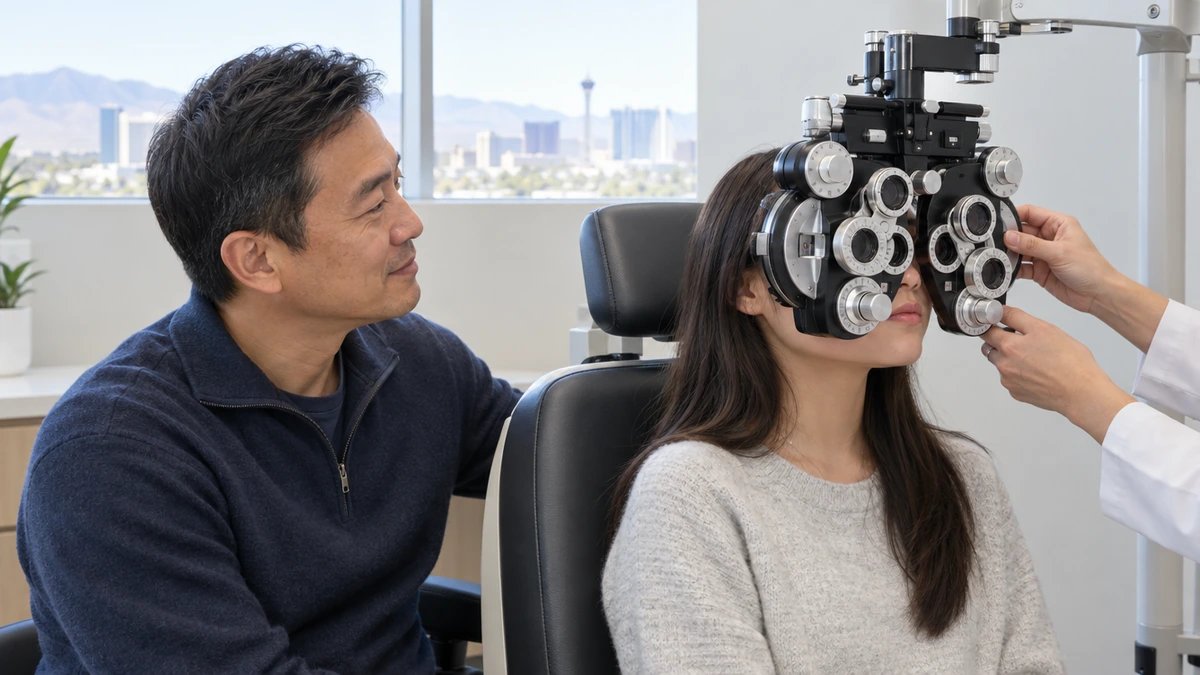
Bring your concerns about your child’s eye health into the conversation. I take that history and use Visionix digital refraction to measure the prescription. Start with the task that keeps bringing the complaint back, then describe what changed after breaks or desk adjustments. Keep the focus on what your child experiences while doing the work.
Leave room to discuss what the findings mean for homework. Tell me which change you want explained before you leave, whether it concerns the viewing setup or prescription glasses. The exam findings guide that conversation. My aim is a plan you understand well enough to use at the desk that evening.
Plan your trip with my Downtown Summerlin page. Choose an appointment that fits around homework and school pickup. For broader timing and screening questions, see my pediatric eye exam guide.
Frequently Asked Questions About Kids and Screen Time
Should I Buy Blue Light Glasses for My Child?
The AAO does not recommend blue light glasses for computer use and cautions against screen use close to bedtime because of its effect on sleep quality. Give your evening device routine a place in the conversation. Start by deciding where the devices go when homework ends and bedtime approaches.
My Child Passed the School Vision Screening. Should I Still Mention Screen Discomfort?
Yes, tell me about your child’s current discomfort. My guide to school screening explains what a pass covers.
What If My Child Forgets Every Looking-Away Break?
Make the reminder visible to you, too. Start the cue while your child learns the routine, then invite them to take the lead. Rehearse the pause before opening the assignment so everyone knows what the reminder means.
What Should I Tell the Teacher About Headaches During Homework?
Describe the task your child was doing when the headache started and whether stopping helped. Find out whether similar complaints happen during class and where a looking-away break fits into a live lesson. A specific question about the assignment gives the teacher something practical to answer.
What Is the 20-20-20 Rule for Kids?
Every 20 minutes, your child looks at something 20 feet away for 20 seconds. Use a view through the window when your hallway is too short for 20 feet. Choose the object before homework starts so your child knows where to look. Alongside those brief pauses, the American Academy of Pediatrics recommends leaving the screen for at least 10 minutes every hour.
Book My Eye Exam Call (702) 858-4362
Like this article? Add Vision by Amel as a preferred source, and you are more likely to see our articles in Google’s Top Stories.